
Book like a local
Scopa the Chef
From ₩35,000≈ US$26
- Nearest station
- Cheongdam Station (Line 7) · Exit 9 · 9 min walk
- Opening hours
- Mon–Sat 12:00–15:00, 17:00–01:00 · Sun 12:00–15:00, 17:00–22:00
- Next opening
- Next opening: Tomorrow · 12:00Express
- Languages spoken at the place
- English · Chinese · Japanese

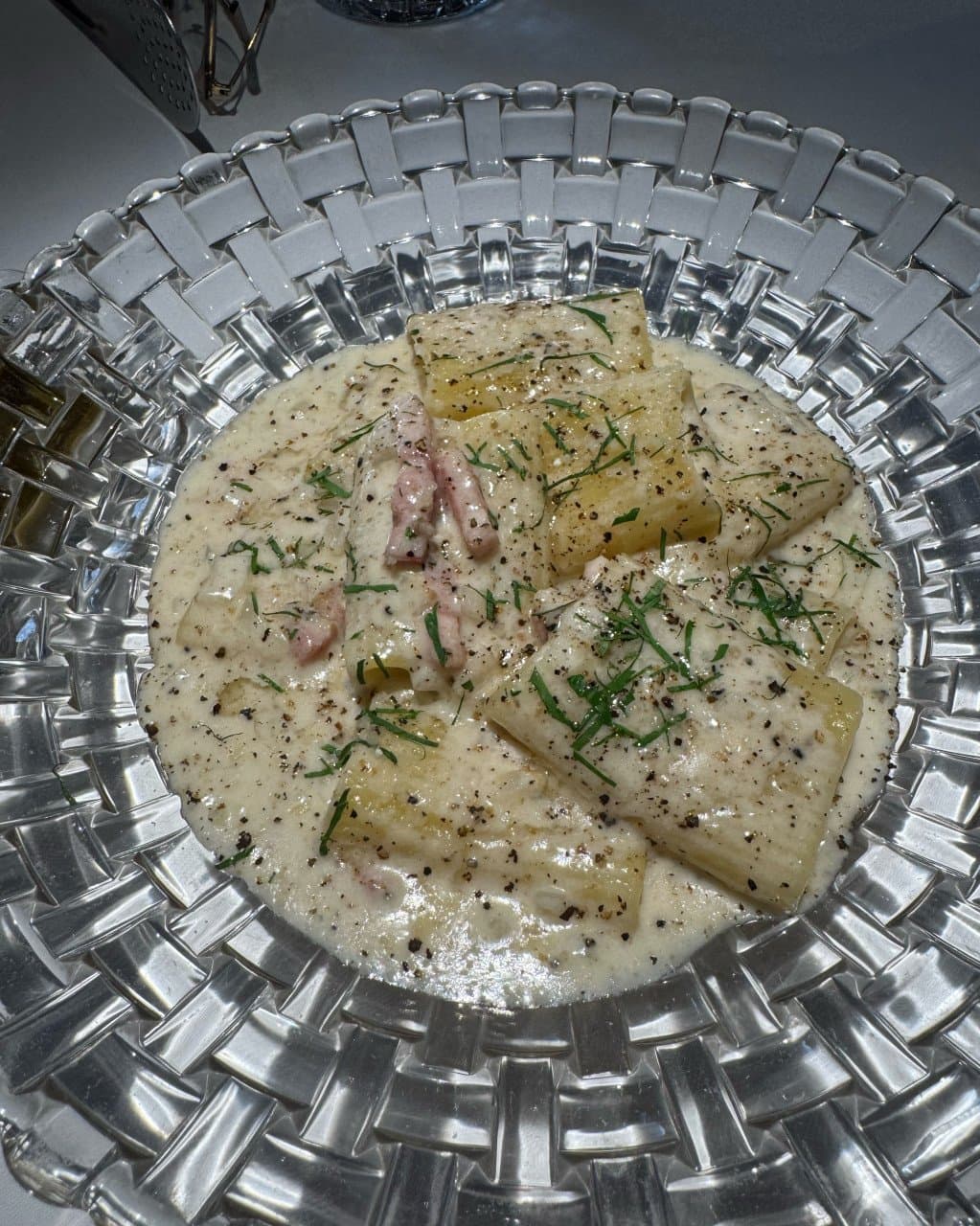
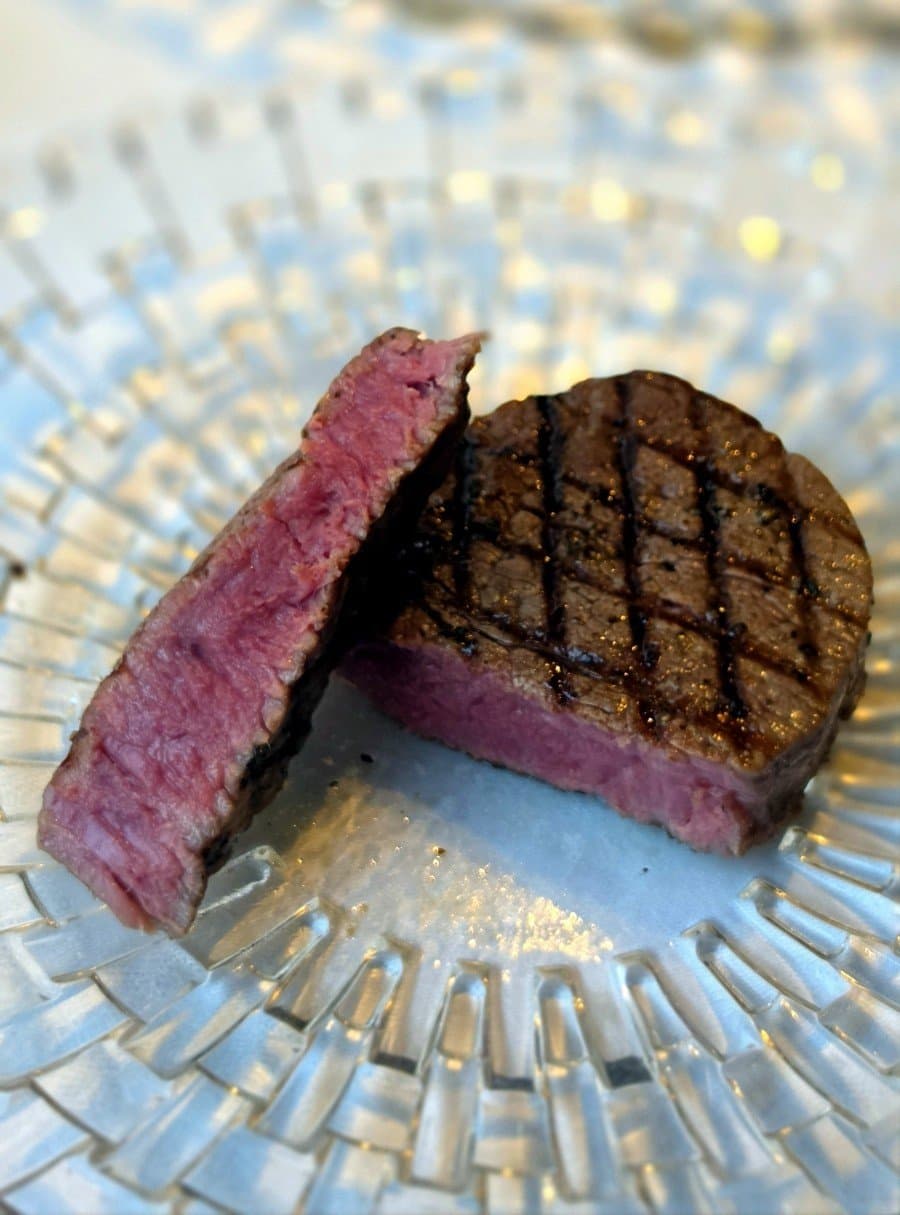
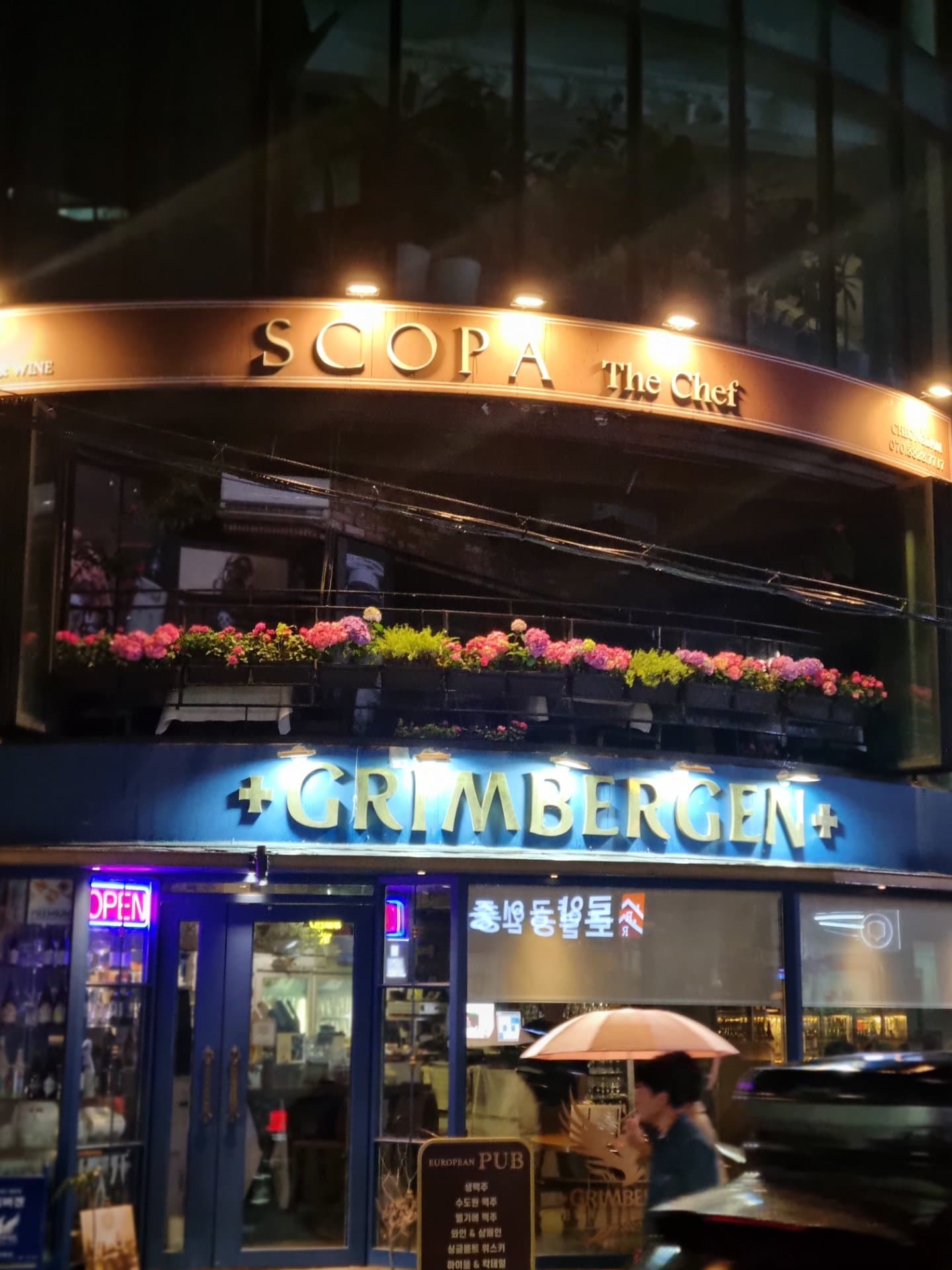
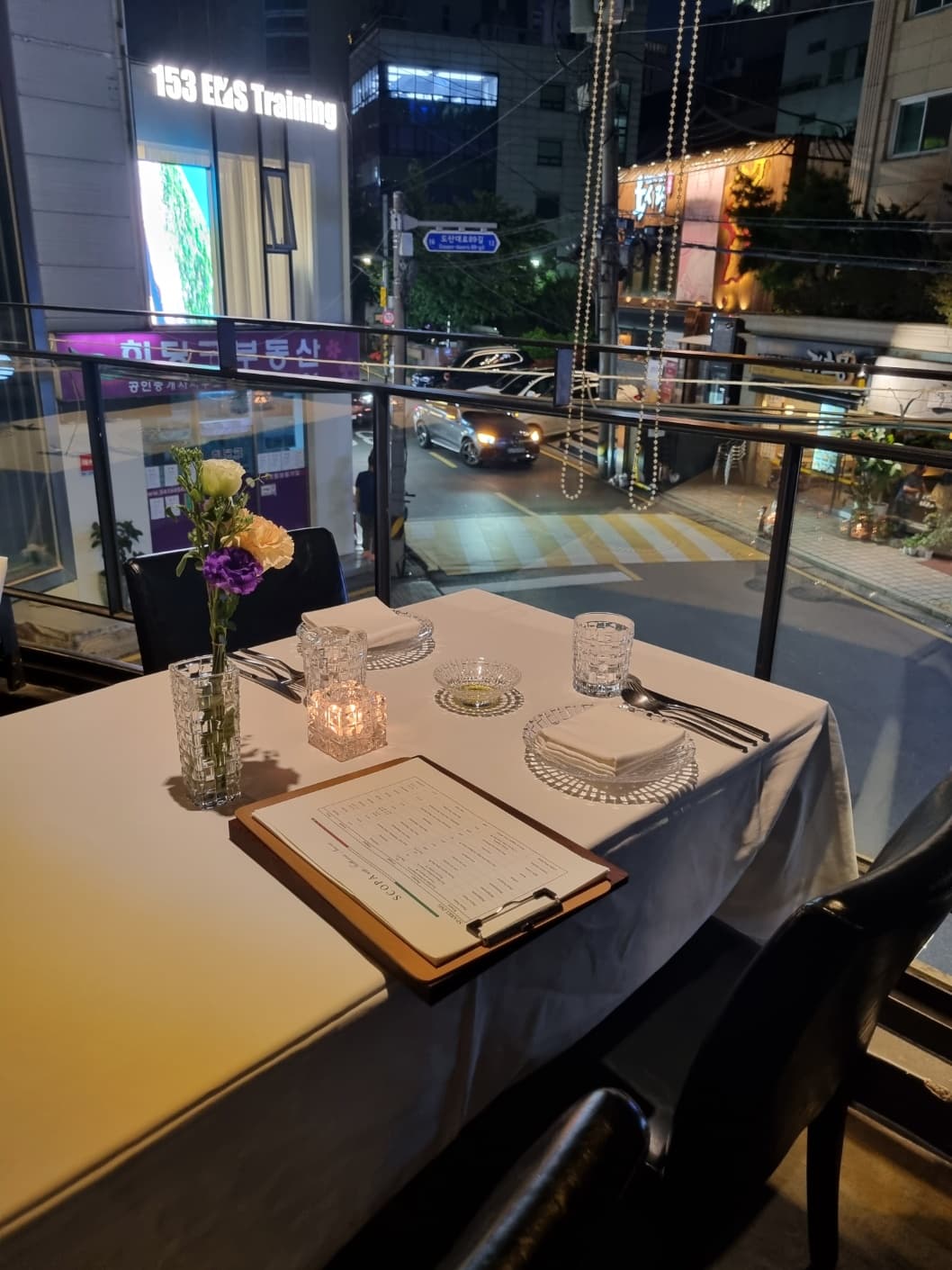
Google reviews
Google MapsNot sure yet? Compare similar places
More restaurants in Seoul

Questions
- Restaurant · Cheongdam, Seoul
- English · Chinese · Japanese
- ₩35,000
Can I book Scopa the Chef in English?
Yes. You book Scopa the Chef on millio in English, Japanese or Chinese, and millio passes your notes to the place in Korean. Staff speak English, Chinese and Japanese.
How much does Scopa the Chef cost?
The menu price is ₩35,000. Scopa the Chef doesn’t ask for a deposit.
When is Scopa the Chef open?
Mon–Sat 12:00–15:00, 17:00–01:00 · Sun 12:00–15:00, 17:00–22:00.
How do I find Scopa the Chef?
2F, Irim Building, 13 Dosan-daero 89-gil, Gangnam-gu, Seoul. Nearest station: Cheongdam Station (Line 7), Exit 9, about 9 min walk.
Can I book Scopa the Chef for today or tomorrow?
Yes, when a time is open: choose Express (today or tomorrow). The next Express time is tomorrow (Mon, Oct 26) at 12:00 (as of Oct 25, 21:50 Korea time). You approve a card hold when you send the request, and it is charged when the place confirms. A confirmed Express booking can’t be cancelled or refunded.
How does booking Scopa the Chef work?
Confirm faster is how you book at some places — the ones millio books on your behalf. The ordinary request (“Ask if your times are available”) appears there only if the card hold can't be used. You approve a card hold in PayPal when you send the request, and your request is sent once the hold is placed. This is a hold, not a charge. If the place confirms one of your times, you accept a time it suggests, or you agree on another time with us, we charge the held amount and the booking is confirmed. There is no payment window to miss. If no time works, the request expires, or you cancel before it is confirmed, we release the hold. You pay nothing.
Do I need a Korean phone number or a Korean app?
No. To send a booking request, you sign in with Google or with a code we email you, which creates your free millio account. There is no ID check and nothing to install. It all works in a regular browser. To view or cancel an existing booking, use the link in your confirmation email. You do not need to sign in.